FILEZ · PRACTICAL ARTICLES
Articles and guides to FILEZ tools
Step-by-step help with PDF, documents, images, audio, security and file conversion.
115 articles · Browse by task
PDF pages and editing
Merge, split, compress and repair PDF files · 22 articles
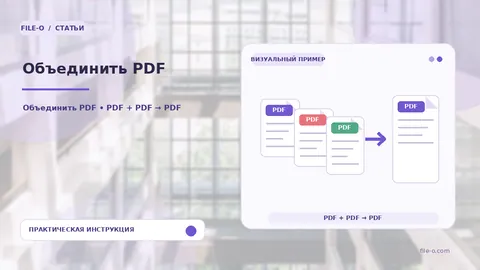 How to use Merge PDF — practical guideThe tool combines several files into one multi-page PDF document. You can combine pages from different PDFs and also add individual images in JPG or PNG formats. All…Read the guide →
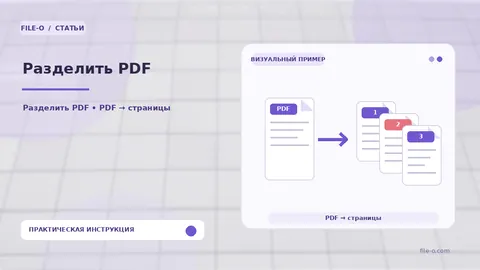 How to use Split PDF — practical guideThe tool extracts specified pages or ranges from an uploaded PDF document and packs them into a ZIP archive containing separate PDF files for each defined fragment. If the…Read the guide →
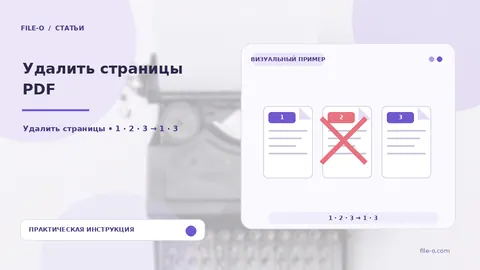 How to use Delete PDF Pages — practical guideThe tool lets you selectively remove unwanted pages from a PDF document, creating a new file. You simply mark the unnecessary sheets on visual thumbnails, and the service…Read the guide →
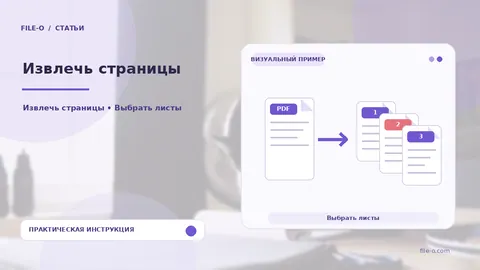 How to use Extract Pages — practical guideThe function is designed to extract selected pages from a PDF as separate, independent documents. You visually mark the desired thumbnails, and the service packages each page…Read the guide →
 How to use Reorder Pages — practical guideThe tool provides the ability to change the sequence of pages in a PDF document, creating a new file with the specified order. You rearrange the sheet thumbnails visually…Read the guide →
 How to use Rotate PDF — practical guideThe tool changes the orientation of selected pages in a PDF file by 90, 180, or 270 degrees. You receive a new document where the sheets are rotated exactly as specified…Read the guide →
 How to use Add Pages — practical guideThe tool allows you to assemble a new PDF document by combining source pages with new blank sheets and content from Word files. On the added sheets, you can type and format…Read the guide →
 How to use Crop PDF Margins — practical guideThe tool allows you to visually crop the margins of PDF pages, hiding unwanted edges. You manually draw a rectangular frame directly on the page image, defining the area that…Read the guide →
 How to use PDF Editor — practical guideThe tool allows for precise text editing directly within a PDF. You can select a fragment, delete it, and type new text, which the service will attempt to render with a font…Read the guide →
 How to use Watermark PDF — practical guideThe tool overlays a semi-transparent text caption onto the pages of a PDF document, which can be customized by color, size, and position. You receive a new file with the…Read the guide →
 How to use Signature and Stamp on PDF — practical guideThe tool cuts out stamp and signature images from one source PDF, cleans them from the background and unwanted strokes, and places them onto the pages of another target PDF.…Read the guide →
 How to use Document Personalization — practical guideThe service applies a mark of your choice to all pages of a document and generates a separate verification passport. In visible mode, this is a graphic sign drawn by you. In…Read the guide →
 How to use Fill PDF Form — practical guideThe tool opens a PDF file, identifies existing AcroForm fields within it, and allows you to fill them with text directly in the browser. The output is a saved copy of the…Read the guide →
 How to use Make PDF Fillable — practical guideThe tool turns a static PDF into an interactive form by adding genuine AcroForm fields. You simply draw input rectangles with your mouse over the required areas of the…Read the guide →
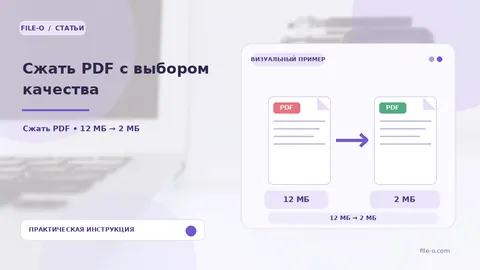 How to use Compress PDF by Quality — practical guideThe tool reduces the size of a PDF file by recompressing embedded images and optimizing the internal data structure. You can choose the compression level, balancing visual…Read the guide →
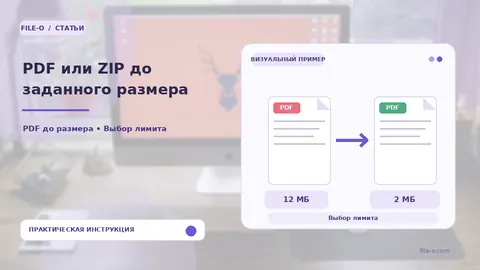 How to use PDF or ZIP to a Target Size — practical guideThe tool compresses a single PDF document or ZIP archive to a file size you specify in megabytes. You set the target limit, and the service automatically adjusts the…Read the guide →
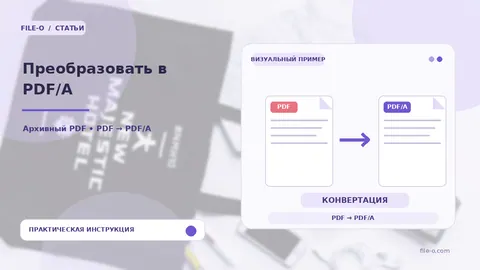 How to use Convert to PDF/A — practical guideThe tool converts a regular PDF document into the PDF/A format for long-term preservation. The output is a file with the selected profile (1b, 2b or 3b) and an embedded color…Read the guide →
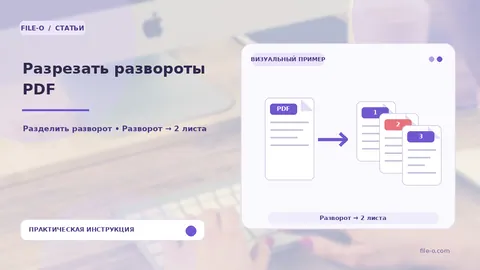 How to use Split PDF Spreads — practical guideThe service automatically splits each page of an uploaded PDF file into two equal halves. It processes the document as a set of spreads, cutting them strictly along the…Read the guide →
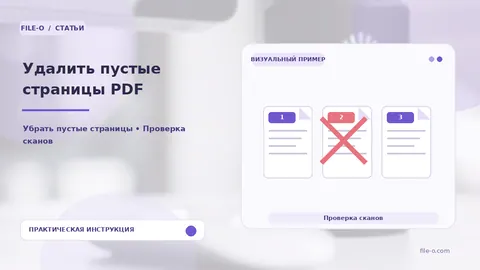 How to use Remove Blank PDF Pages — practical guideThe tool locates and removes genuinely blank pages in a scanned PDF by analyzing light backgrounds and the absence of text. The output is a cleaned PDF file containing only…Read the guide →
 How to use Auto-Deskew Scanned PDFs — practical guideThe service corrects text skew and page rotation in a scanned PDF by determining orientation through line analysis. The result is a new PDF file where all pages are aligned…Read the guide →
 How to use Enhance Scan — practical guideThe tool automatically increases the contrast and sharpness of scanned pages in a PDF. The output is a file where text and lines become crisper and the background lightens…Read the guide →
 How to use Recognize Scan (OCR) — practical guideThe tool adds an invisible text layer to a scanned PDF document, making its content searchable and selectable. The output preserves the original visual appearance of the…Read the guide →
File conversion
PDF, Word, image files and other formats · 26 articles
 How to use Images to PDF (JPG, PNG, HEIC, and more) — practical guideThe service combines uploaded raster images into a single multi-page PDF document, placing each graphic file sequentially on a separate page. A wide range of source formats…Read the guide →
 How to use SVG to PDF — practical guideThe tool transfers vector graphics from an SVG file into a PDF document. It preserves the scalable nature of vector objects, resulting in an output file suitable for…Read the guide →
 How to use Text to PDF — practical guideThe tool is designed to create a readable PDF document from a plain text file in TXT format. It converts unformatted text into a universal format that opens correctly on any…Read the guide →
 How to use Markdown to PDF — practical guideThe tool converts a file with Markdown markup into a full-fledged PDF document. It interprets elements such as headings, lists, bold, and italics, visualizing them as…Read the guide →
 How to use HTML to PDF — practical guideThe tool extracts the textual content from an HTML file and saves it into a PDF format. The resulting document contains only the text, with all visual styling completely…Read the guide →
 How to use ODT to PDF — practical guideThe tool converts text documents from the open OpenDocument format into the universal PDF format. It transforms the content of a file created in office suites like…Read the guide →
 How to use RTF to PDF — practical guideThe tool converts documents from Rich Text Format (RTF) into the universal PDF format. The output is a file that preserves the core text content, basic formatting like bold…Read the guide →
 How to use EPUB to PDF — practical guideThe tool is designed to export e-books from EPUB format to PDF. During conversion, the book's text is recomposed into fixed-layout pages while preserving the structure of…Read the guide →
 How to use FB2 to PDF — practical guideThe tool creates a PDF file from an e-book in FictionBook (FB2) format. During processing, textual information is extracted, including headings, epigraphs, and poems, as well…Read the guide →
 How to use DjVu to PDF — practical guideThe tool converts files in the DjVu format, commonly used for scanned books and documents, into the widely supported PDF format. This allows such materials to be opened on…Read the guide →
 How to use EGRN XML to PDF — practical guideThe service converts an electronic extract from Rosreestr in XML format into an easy-to-read PDF document. You get a structured report where data about the property, rights…Read the guide →
 How to use Open EML as PDF — practical guideThe tool allows you to open an email file with the EML extension and save its main text content as a PDF document. If the email contains attached files, they will be…Read the guide →
 How to use Open Outlook MSG — practical guideThe service is designed to read Microsoft Outlook message files with the MSG extension and convert their content into a readable PDF report. It also extracts all files…Read the guide →
 How to use XPS to PDF — practical guideThe converter transforms XPS and OXPS files into the universal PDF format, preserving the original page count and their fixed layout. The output is a document ready for…Read the guide →
 How to use WPS to PDF — practical guideThe tool opens an outdated Microsoft Works document with a WPS extension using the installed LibreOffice and saves it in the modern PDF format. The output is a file suitable…Read the guide →
 How to use PDF to Images: JPG, PNG, TIFF, BMP — practical guideThe tool exports all pages of a PDF document into separate image files. The user can choose the final raster format, such as JPG, PNG, TIFF, or BMP, and set the desired…Read the guide →
 How to use PDF to Text — practical guideThe tool extracts all textual content from a PDF file and saves it into a plain TXT document without any formatting. For regular digital PDFs, up to 180 pages are processed…Read the guide →
 How to use PDF to CSV — practical guideThe tool analyzes a PDF document, finds tabular structures within it, and converts their rows and columns into CSV format. The output is a file that can be immediately opened…Read the guide →
 How to use PDF to JSON — practical guideThe tool extracts textual content from a PDF file and converts it into a structured JSON format. For every word on a page, precise coordinates are preserved, allowing you to…Read the guide →
 How to use PDF to HTML — practical guideThe tool is designed for the rapid extraction of textual content from a PDF document and its conversion into an HTML web page. It preserves the basic paragraph structure by…Read the guide →
 How to use PDF to XML — practical guideThe tool extracts textual information from a PDF file and organizes it into a strict hierarchical XML structure. It creates elements for pages and text blocks, making the…Read the guide →
 How to use PDF to SVG — practical guideThe tool converts each page of a PDF file into a separate vector image in SVG format. This preserves the sharpness of lines, text, and graphic elements at any scale. The…Read the guide →
 How to use PDF to RTF — practical guideThe tool extracts textual content from a PDF document and places it into an editable Rich Text Format file. The output is an RTF file that can be opened in virtually any word…Read the guide →
 How to use PDF to ODT — practical guideThe tool is designed to extract textual content from a PDF file and save it in the OpenDocument Text format. The result is an ODT file, which is an open standard and can be…Read the guide →
 How to use PDF to EPUB — practical guideThe tool converts a PDF document into the EPUB e-book format by extracting textual content and creating a file with reflowable layout. The result adapts to the screen size of…Read the guide →
 How to use PDF to FB2 — practical guideThe tool converts a PDF document into the FictionBook (FB2) format, popular in the Russian-speaking community for storing and reading fiction. It extracts text and creates an…Read the guide →
Legal and print documents
Page numbering, inventories and booklets · 6 articles
 How to use Number Court Case Sheets — practical guideThe service adds a visible 'Sheet No.' label to each page of a PDF, creating sequential sheet numbering rather than page numbering. This lets you prepare a digital image of a…Read the guide →
 How to use 'Certified Copy' Stamp — practical guideThe tool places a standard copy certification stamp template on a selected page of a PDF document, including the word 'True', job title, signature field, and date. This…Read the guide →
 How to use Document Inventory for Court — practical guideThe service automatically generates a PDF document with an inventory table of attached files, analyzing their names and counting the number of sheets in each. This allows you…Read the guide →
 How to use PDF Print Booklet — practical guideThe service transforms a standard PDF file into a print-ready booklet layout. It automatically reorders the pages so that after duplex printing and folding the sheets, you…Read the guide →
 How to use 2 or 4 Pages per Sheet — practical guideThe tool arranges the content of a multi-page PDF file by placing two or four original pages on a single A4 sheet. Each source page is proportionally scaled down and fitted…Read the guide →
 How to use Number PDF Pages — practical guideThe tool adds plain page numbers to a PDF document. You can choose the position of the digits on the sheet, set a starting value for the numbering, change the font size and…Read the guide →
Word and documents
Edit, create and format documents · 4 articles
 How to use Word to PDF — practical guideThe converter transforms Microsoft Word documents in DOC and DOCX formats into the universal PDF format, fixing the current display of text, tables, and graphic elements.…Read the guide →
 How to use PDF to Word — practical guideThe tool converts a PDF file into an editable Microsoft Word DOCX document. It aims to preserve the original content, including text, images, fonts, and tables. The result is…Read the guide →
 How to use Clean DOCX Before Sending — practical guideThe service creates a cleaned copy of your DOCX file by removing hidden metadata and editing traces from it. It removes the author's name, all comments, revision history, and…Read the guide →
 How to use Repair Word and Excel — practical guideThe tool checks the internal structure of Word and Excel documents, collects surviving components, and attempts to restore file integrity. If full recovery is impossible, it…Read the guide →
Excel and spreadsheets
Spreadsheets, conversion and data cleanup · 7 articles
 How to use Excel to PDF — practical guideThe tool translates XLS and XLSX spreadsheets into the universal PDF format. It fixes the tabular data layout, turning workbooks into documents ready for printing or sending.…Read the guide →
 How to use PDF to Excel — practical guideThe converter identifies table grids within a PDF and transfers them into an editable Excel format. Along with tables, it preserves textual requisites, document headers, and…Read the guide →
 How to use PDF to XLS — practical guideThe tool analyzes a PDF document, finds tabular data within it, and converts it into the classic Microsoft Excel spreadsheet format. The output is an XLS file where rows and…Read the guide →
 How to use Merge Excel and CSV — practical guideThe tool merges multiple Excel or CSV spreadsheets into a single workbook. The output is one XLSX file where rows from all source documents are collected on one sheet. If the…Read the guide →
 How to use Compare Two Tables — practical guideThe tool finds differences between old and new versions of a spreadsheet. The result is a colorful XLSX report where rows are highlighted in different colors: added, removed…Read the guide →
 How to use Deduplicate Excel and CSV — practical guideThe tool removes duplicate rows from an Excel or CSV spreadsheet. The output is a cleaned file where only the very first occurrence is kept for each set of values or unique…Read the guide →
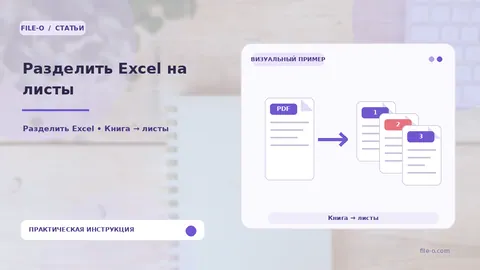 How to use Split Excel into Sheets — practical guideThe tool splits one large Excel or CSV table into multiple separate sheets within a new XLSX file. The core principle is grouping all rows by the unique values found in a…Read the guide →
Presentations
Create and convert slide decks · 3 articles
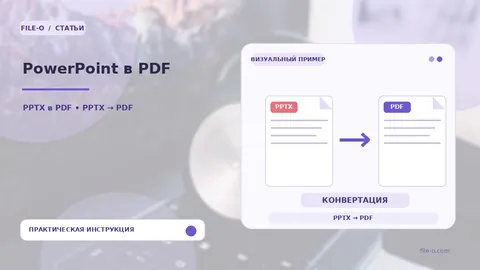 How to use PowerPoint to PDF — practical guideThe tool converts PPT and PPTX presentation files into the universal PDF format. The conversion is performed entirely online, without the need to download and install desktop…Read the guide →
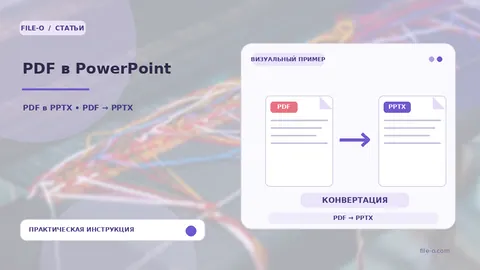 How to use PDF to PowerPoint — practical guideThe tool creates a new PowerPoint presentation using the pages of an uploaded PDF file as the basis for slides. It works directly in the browser, converting static content…Read the guide →
 How to use Text to Presentation — practical guideThe tool converts provided text or an uploaded document into an editable PowerPoint presentation. Artificial intelligence first analyzes the material and highlights key…Read the guide →
Images and photo editing
Resizing, scanning and photo preparation · 9 articles
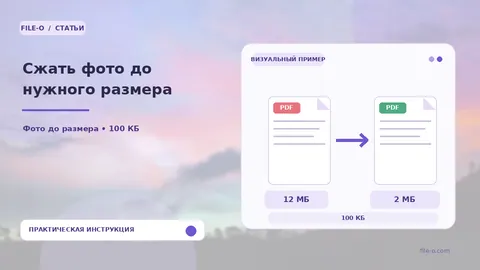 How to use Compress a photo to a target size — practical guideThe tool accepts a single image and compresses it to the file size limit you specify, converting the result to JPG format. You choose a specific threshold from the list: 50…Read the guide →
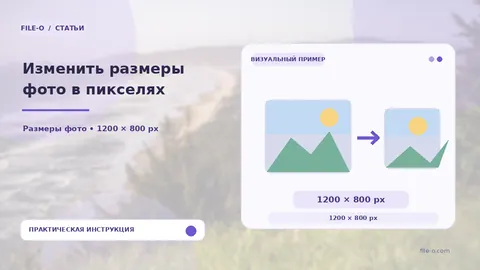 How to use Resize Images in Pixels — practical guideThe tool changes the geometric dimensions of one or more images in pixels. You set the target width and height, and choose a scaling strategy: fit the image into the new…Read the guide →
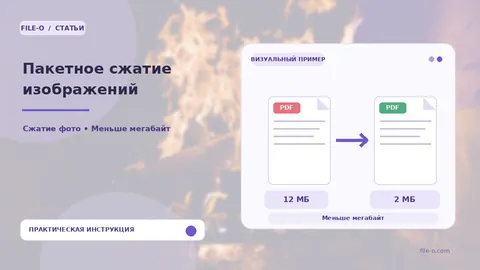 How to use Compress Images in a Batch — practical guideThe tool is designed to reduce the file size of multiple images at once without a strict kilobyte limit. You can upload a folder of photos or a ZIP archive, after which…Read the guide →
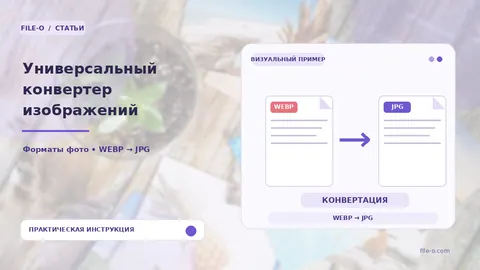 How to use Universal Image Converter — practical guideThe universal online converter transforms uploaded files from one graphic format to another. You can take a HEIC photo from a phone, a PSD design layout, or an SVG vector…Read the guide →
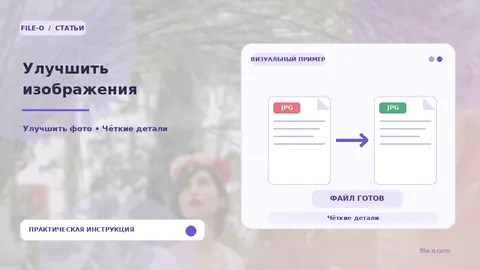 How to use Enhance Images — practical guideThis tool allows you to batch-enhance the visual perception of photos and scans by increasing clarity, sharpness, and contrast. Processing takes place right in the browser…Read the guide →
 How to use Watermark Photos — practical guideThe tool overlays customizable text onto one or multiple images, creating a semi-transparent mark for visual copyright protection. The output consists of copies of the…Read the guide →
 How to use ID Photos: 3×4 and More — practical guideThe service automatically locates a face in the uploaded portrait, separates it from the original background, and replaces it with a solid color of your choice. The output is…Read the guide →
 How to use Scan Documents from Your Phone — practical guideThe tool converts photos of paper pages taken with a phone into a neat multi-page PDF file. The algorithm automatically detects the four corners of the sheet, corrects…Read the guide →
 How to use OCR Photo Text to Word — practical guideThe tool extracts the text layer from graphic files and saves it into an editable Word document. It accepts raster images in common formats like JPG, PNG, or HEIC as input…Read the guide →
Security and passwords
Inspect, protect and recover files · 15 articles
 How to use Identify File Type — practical guideThe tool identifies the true file format by its internal structure, not its extension. You get the precise MIME type, such as `application/pdf`, even if the file is named…Read the guide →
 How to use Safe Archive Viewer — practical guideThe tool lets you peek inside ZIP, 7Z, RAR, and TAR archives without unpacking them on your device. You'll see a complete list of files and folders with their original names…Read the guide →
 How to use Scan File for Threats — practical guideThe tool performs a static analysis of a file to search for known malware signatures, including viruses and trojans. It also checks for active macros in Office documents and…Read the guide →
 How to use Open SIG & P7S — practical guideThe service extracts and displays the contents of electronic signature files in SIG, P7S, and P7M formats in a convenient PDF report. You will see certificate information…Read the guide →
 How to use Remove Metadata — practical guideThe tool removes hidden document properties and XMP data, such as the author's name, application name, and creation date. The result is a cleaned PDF file whose properties no…Read the guide →
 How to use Remove EXIF & Geotags — practical guideThe service is designed for the safe cleaning of digital photos from hidden technical metadata. It removes EXIF information from the file, including precise GPS coordinates…Read the guide →
 How to use Remove Personal Data from PDF — practical guideThe tool finds and permanently removes personal data from the text layer of a PDF based on specified patterns. You can select categories to search for: passport numbers…Read the guide →
 How to use Repair PDF — practical guideThe tool analyzes the internal structure of a damaged PDF, locates surviving objects and pages, and then assembles them into a new file. The output is a PDF containing only…Read the guide →
 How to use Know the Word or Excel Password — practical guideThe tool removes encryption from Word and Excel documents using the valid password you provide and creates a new unprotected copy. For unencrypted DOCX and XLSX files, it can…Read the guide →
 How to use Know the ZIP, 7Z or RAR Password — practical guideThe service takes an encrypted ZIP, 7Z, or RAR file and the password you know. It decrypts the contents and repackages them into a new, unencrypted ZIP archive for you to…Read the guide →
 How to use Know the PDF Password — practical guideThe tool removes the open password from a PDF file using a password you already know. The output is a copy of the document that opens freely without requesting a key. This is…Read the guide →
 How to use Forgot a Word or Excel Password — practical guideThe tool attempts to remove protection from Word and Excel documents when you have forgotten the password. It does not crack strong encryption but checks the hints you…Read the guide →
 How to use Forgot a PDF Password — practical guideThe tool helps regain access to PDF files by checking a limited set of passwords based on your hints and common short combinations. If the PDF is only protected from printing…Read the guide →
 How to use Forgot a ZIP, 7Z or RAR Password — practical guideThe tool is designed for limited password recovery of your ZIP, 7Z, and RAR archives. It does not run embedded programs or bypass strong encryption but only automatically…Read the guide →
 How to use Protect PDF — practical guideThe tool is designed to set a password for opening a PDF document. It allows you to restrict access to the file's content so that the key you set is required to view it.…Read the guide →
AI and text
Writing, translation and document analysis · 12 articles
 How to use Write Text on a Topic — practical guideThe tool creates a coherent text on a given topic, such as an article, post, description, or material draft. You specify the topic, desired style, target audience, and…Read the guide →
 How to use Content Ideas — practical guideThe tool generates fresh topics, headlines, and approaches for creating content based on your query. It analyzes the entered topic and offers structured options, helping to…Read the guide →
 How to use Rewrite and Improve Text — practical guideThe tool rephrases the source text, making it more natural, clear, and stylistically expressive while avoiding repetitions and formulaic phrases. The output is a unique…Read the guide →
 How to use Improve Text Style — practical guideThe tool reworks your source text to make it more concise and persuasive. It removes wordiness, simplifies cumbersome structures, and strengthens key phrases. The output is a…Read the guide →
 How to use Proofread — practical guideThe tool analyzes the entered text and suggests a corrected version with eliminated spelling mistakes, typos, and basic punctuation flaws. The output is a coherent and…Read the guide →
 How to use Format Text — practical guideThe tool automatically improves the visual formatting of text without changing its content. You upload a Word document or paste unformatted text, and the service analyzes its…Read the guide →
 How to use Clean Hidden Characters — practical guideThe service automatically finds and removes non-printable control sequences, non-breaking spaces, and duplicate line breaks, leaving semantically clean text. The result is a…Read the guide →
 How to use Summarize — practical guideThe tool extracts key ideas and facts from the provided text, returning a condensed summary. You get a coherent paragraph reflecting the essence of the source material, not…Read the guide →
 How to use Translate PDF or Word — practical guideThe tool performs machine translation of documents, aiming to preserve the original structure. For DOCX files, it translates text within paragraphs and tables, returning a…Read the guide →
 How to use Ask Document — practical guideThe tool analyzes the content of an uploaded text file, such as a PDF, Word, or Excel document, and lets you get answers to questions about its content in a conversational…Read the guide →
 How to use Compare Versions with AI — practical guideThe service extracts text from two uploaded documents, compares them line by line, and visually highlights all additions and deletions. Additionally, artificial intelligence…Read the guide →
 How to use Translate Text — practical guideThe tool translates the entered text into the selected language, striving to preserve the overall meaning of the message. It is suitable for quickly understanding the essence…Read the guide →
Audio and video
Convert and edit media files · 6 articles
 How to use Video Converter — practical guideThe converter changes the container and encoding parameters of a video clip so it can be played on a target device or in a browser. You choose the output format and…Read the guide →
 How to use Trim Video Online — practical guideThe tool allows you to cut a desired fragment from a video clip by specifying the start and end time in seconds. You get a new file containing only the selected segment…Read the guide →
 How to use GIF from Video — practical guideThe tool turns a short video clip into an animated GIF image. You get a silent, looping file that plays easily in browsers, messengers, and social networks. The resulting GIF…Read the guide →
 How to use Compress Video for Messenger — practical guideThe tool reduces video file size, optimizing it for quick sending via Telegram, WhatsApp, and other messengers. The output is a compact clip that retains acceptable image and…Read the guide →
 How to use Audio Converter — practical guideThe converter changes the audio file format, letting you choose the codec, bitrate, and number of channels. The output is a file compatible with a specific player, editing…Read the guide →
 How to use Extract Audio from Video — practical guideThe tool separates the audio track from a video container and saves it as an independent audio file. You can choose MP3 output format to save space, WAV for maximum lossless…Read the guide →
Handy utilities
Barcode tools and file transfer · 5 articles
 How to use Barcode Generator — practical guideThe service is designed to create vector one-dimensional barcodes in Code 128 and EAN-13 formats, ready for printing. The result is a clear, scalable image in SVG format that…Read the guide →
 How to use Transfer Files Between Devices — practical guideQR-based file transfer moves documents, photos, spreadsheets or archives between a phone, computer or tablet without a cable. Two directions are supported: you can choose a…Read the guide →
 How to use Fix Gibberish Text — practical guideThe tool recovers readable text from TXT or CSV files that appear as gibberish due to incorrect encoding interpretation. It allows you to re-encode data into standard UTF-8…Read the guide →
 How to use Online Transliteration — practical guideThe service converts Cyrillic text into Latin script using two main modes: the ICAO standard for international passports and a simplified scheme for creating readable URLs…Read the guide →
 How to use Character & Word Counter — practical guideThis tool provides an instant count of characters with and without spaces, as well as the number of words, paragraphs, and lines in the provided text. It works entirely in…Read the guide →