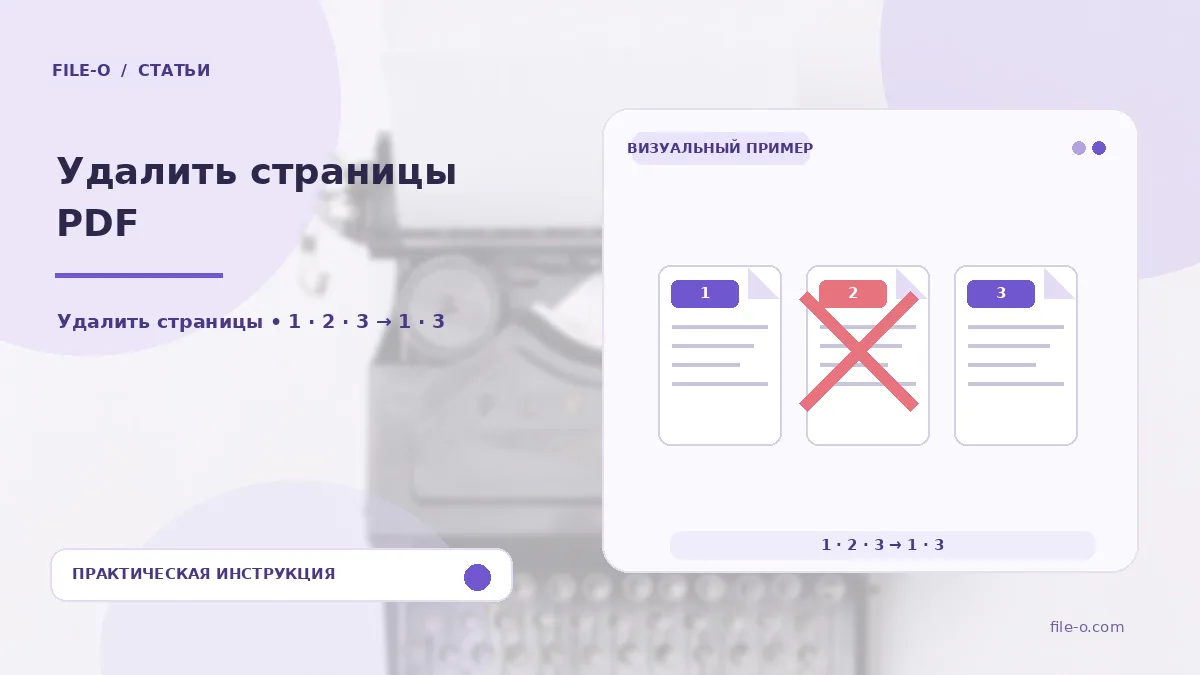
The tool lets you selectively remove unwanted pages from a PDF document, creating a new file. You simply mark the unnecessary sheets on visual thumbnails, and the service compiles the final PDF, excluding the selected pages, without storing the original structure on a server.
When this is useful
Imagine you received a multi-page contract with advertising inserts or blank scanned sheets. With this tool, you can easily clean the document before sending it to partners. Another case: you need to share a general report with colleagues but remove pages containing confidential financial data, leaving only the public section.
Step-by-step instructions
- First, drag the source PDF into the upload area or select it via the file browser.
- Wait for the grid of page thumbnails to appear.
- Click on the images of the sheets you want to exclude — they will be visually marked.
- Press the save button, and your browser will offer to download a new PDF file composed only of the remaining pages.
How to verify the result
After downloading, open the resulting PDF and scroll through it to ensure exactly the pages you marked were removed. If you accidentally clicked the wrong thumbnail, simply click it again to deselect it before saving. Remember, the tool will not allow you to delete absolutely all pages — at least one must remain.
Important limitations
A key feature is that processing happens locally in your browser, and the file is not uploaded to an external server, which is crucial for privacy. However, if the original PDF was certified with a digital signature, that signature will become invalid after page deletion because the document's content has been altered.