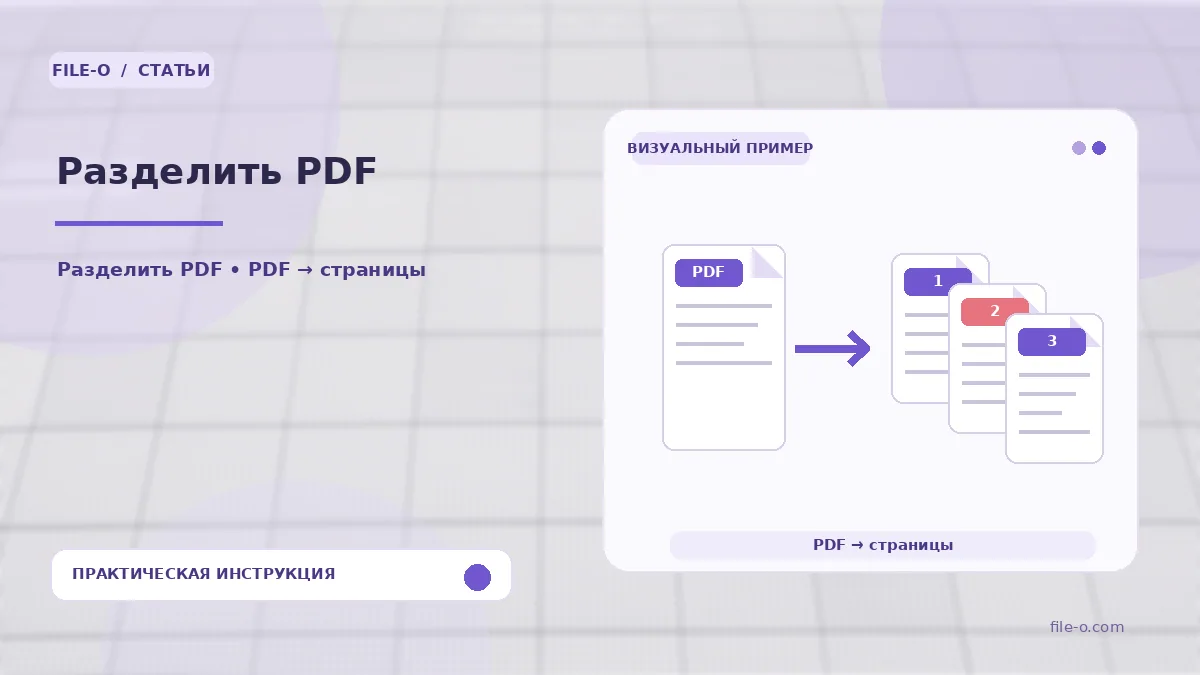
The tool extracts specified pages or ranges from an uploaded PDF document and packs them into a ZIP archive containing separate PDF files for each defined fragment. If the range field is left empty, the program automatically creates one file per page of the source document, preserving the original content quality.
When this is useful
An accountant needs to send only the second and fifth pages of a multi-page bank statement to the bank without sharing the entire document. Another case: a teacher preparing handouts wants to extract only the pages with review questions from a large manual to distribute a compact file to students.
Step-by-step instructions
- First, drag the source PDF into the upload area or select it via the browse button.
- Then, in the text field, specify page numbers and ranges separated by semicolons, such as '1; 3-5; 8', or leave the field empty to split into individual pages.
- Click the start button and wait for processing to finish, then download the resulting ZIP archive to your device.
How to verify the result
Before starting, ensure the PDF is not protected by an open password, otherwise the tool cannot read its contents. After downloading, open the ZIP and verify the number of files inside — it should match the number of specified ranges or the total page count if the field was left empty.
Important limitations
The tool does not alter page content, but electronic signatures that depend on the integrity of the original document structure may become invalid after splitting. If the file is password-protected, it must be unlocked beforehand in another program, as this service does not remove encryption.