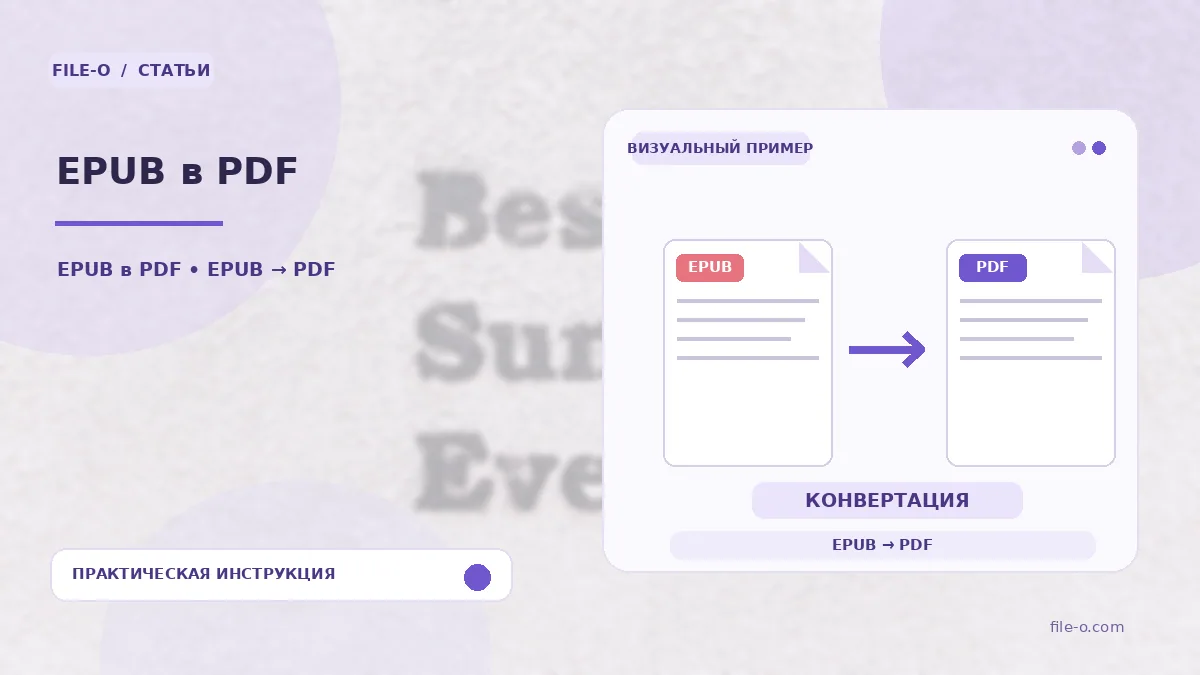
The tool is designed to export e-books from EPUB format to PDF. During conversion, the book's text is recomposed into fixed-layout pages while preserving the structure of chapters and sections. You get a document that can be viewed on any device without special e-reader software and can be printed on a printer while maintaining the page order.
When this is useful
A student needs to print a specific chapter from an EPUB textbook to make notes in the margins during a lecture where gadget use is restricted. Another situation: you bought a cookbook in EPUB and want to open it on an old digital photo frame that only supports displaying PDF files and images, so the recipes are always in view in the kitchen.
Step-by-step instructions
- To start, click the file selection button and specify the path to your EPUB document on the hard drive.
- Wait for the upload to finish and the conversion process to start automatically, the progress of which may be shown in a status bar.
- When processing is complete, a direct download link for the resulting PDF file will appear on the screen for your device.
How to verify the result
If the text in the resulting PDF looks too small or, conversely, huge, this may be due to the fixed layout settings of the source EPUB, which were not adapted to a standard A4 sheet. If a conversion error occurs, check whether your EPUB file is protected from copying or modification by DRM technology, as the tool does not remove such restrictions.
Important limitations
Keep in mind that reflowable EPUB files may look different in PDF than in a reader app, as the text no longer dynamically adjusts to the screen size. Interactive elements such as audio, video, or animations embedded in the e-book will not function in a static PDF document and will simply be ignored.