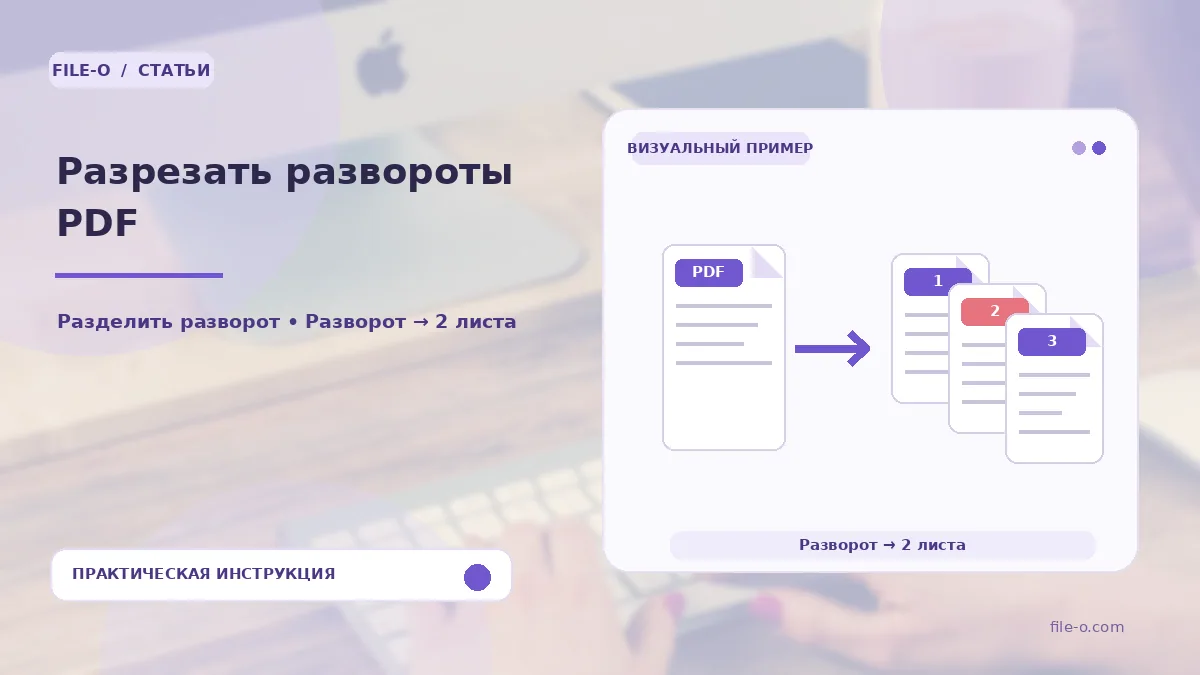
The service automatically splits each page of an uploaded PDF file into two equal halves. It processes the document as a set of spreads, cutting them strictly along the vertical center line. The original content is not converted into raster images, which allows preserving text layers and vector graphics in the resulting halves.
When this is useful
First case: you digitized a book on a flatbed scanner, saving each physical spread as a single PDF page. Now you need to get a standard page-by-page file for reading on an e-book. Second scenario: you have a PDF file with a presentation where slides are exported two per sheet, but you need a frame-by-frame display on a projector.
Step-by-step instructions
- Upload the PDF file containing the spreads to the appropriate field on the tool page.
- In the settings, specify the order of the halves, for example, left to right, which corresponds to a standard Western book.
- Start the splitting process.
- When finished, download the final document, in which the number of pages will be exactly twice the original.
How to verify the result
Review the first few pages of the result to ensure that the left and right parts of the spread are not swapped. Pay attention to the cut line: if the original spread was scanned with a skew, the automatic division in the center may shift part of the text to the adjacent page.
Important limitations
The tool performs a purely geometric division of the page in half. It does not align skewed scans and does not try to find the book spine. If your spread has uneven margins or a wide gutter, the result may require manual correction in a graphics editor, as the automatic cut will pass strictly through the middle of the sheet.