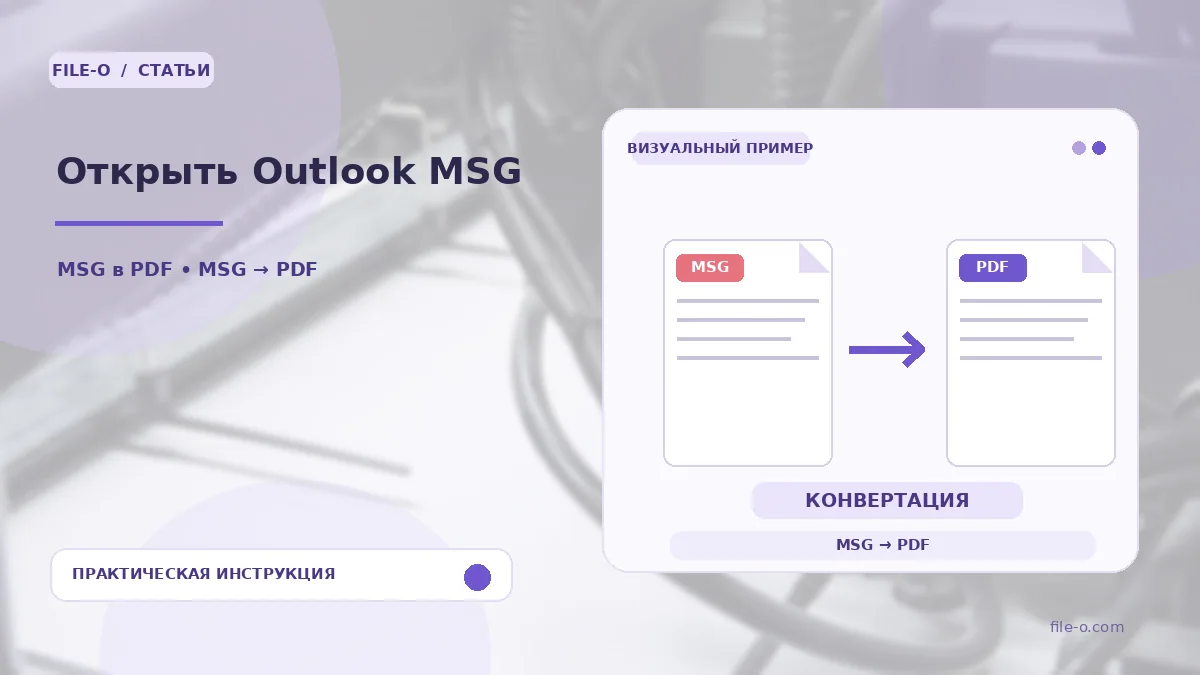
The service is designed to read Microsoft Outlook message files with the MSG extension and convert their content into a readable PDF report. It also extracts all files attached to the email and packs them into a ZIP archive, providing both parts for download.
When this is useful
First situation: you are working on a computer without Outlook installed but received an important MSG file whose text you urgently need to view. Second situation: you were given an archive of work emails in MSG format and need to quickly extract all attached documents and spreadsheets.
Step-by-step instructions
- Click on the upload area and select the required MSG file on your device.
- Wait for the processing to complete, during which the service reads the message structure.
- Then download the resulting PDF file with the email text and, if attachments were present, the ZIP archive with them.
How to verify the result
Open the PDF and check if the sender, subject, date, and main message text are displayed correctly. If an attachment is missing from the ZIP archive, it might have been an embedded OLE object or an element with a non-standard format that cannot be extracted.
Important limitations
The tool processes supported versions of MSG files but does not guarantee full preservation of complex formatting, embedded tables, images, or SmartArt objects from Outlook. The resulting PDF is only a visualization of the text content for reading convenience.