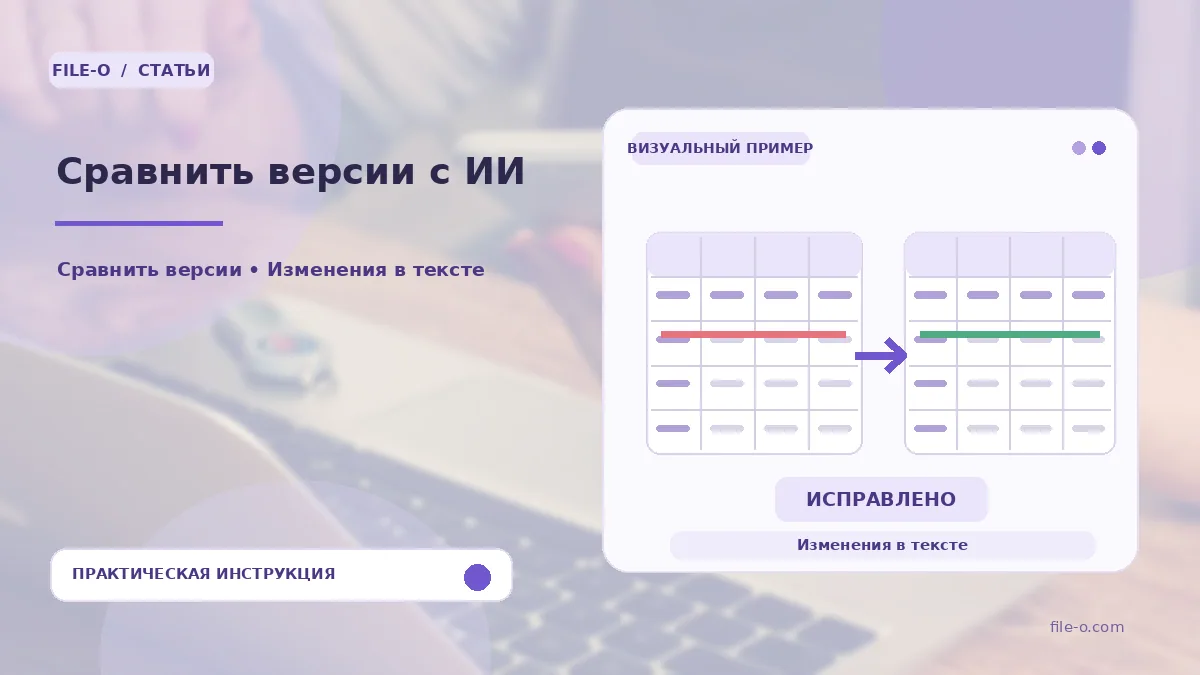
The service extracts text from two uploaded documents, compares them line by line, and visually highlights all additions and deletions. Additionally, artificial intelligence analyzes the changes and generates a brief summary explaining the essence of the edits. The result can be downloaded as a detailed PDF report.
When this is useful
This tool is indispensable when a counterparty sends a new version of a contract and you need to quickly understand which clauses have been changed, added, or removed. Another scenario: you are working on updating a work instruction and want to visually see all the edits made by a colleague, as well as get a brief semantic assessment of them from the AI.
Step-by-step instructions
- Upload the old version of the document to the left field and the new version to the right field.
- Ensure the files are uploaded correctly and start the comparison process.
- Wait for the analysis to complete, review the highlighted changes in the text, and read the AI summary.
- The finished report with the results can be downloaded in PDF format.
How to verify the result
After receiving the result, verify key changed data, such as amounts, dates, and deadlines, against the original documents. Remember that the AI summary provides a general idea of the edits' essence and may interpret them inaccurately. If the documents have complex formatting, ensure the extracted text is correct and the comparison was performed without loss of meaning.
Important limitations
The tool analyzes only textual content and completely ignores visual layout, graphics, fonts, and design styles. The summary created by artificial intelligence is auxiliary and does not replace professional legal or technical review. For files exceeding 20 MB in size, a Plus subscription may be required.