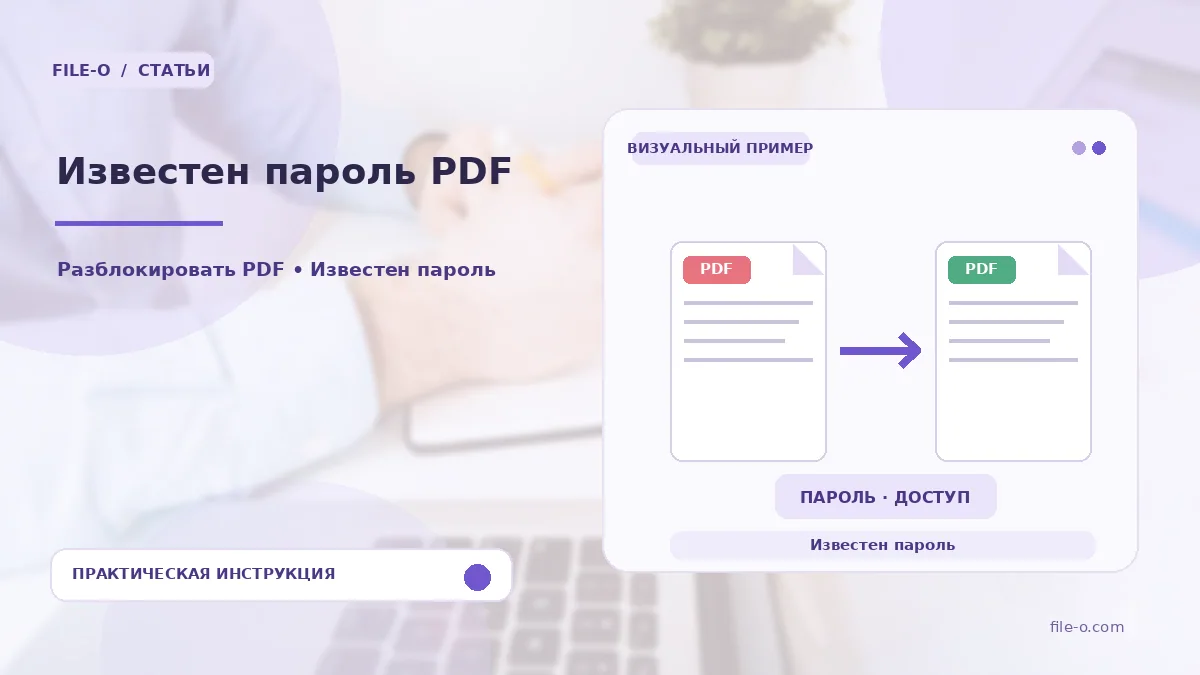
The tool removes the open password from a PDF file using a password you already know. The output is a copy of the document that opens freely without requesting a key. This is not cracking, but the legal removal of protection when you already possess the password.
When this is useful
You are tired of repeatedly entering a complex password for a frequently used price list or manual. Alternatively, you need to send a protected contract to a colleague but do not want to share the password itself, preferring to pass on an already unlocked file.
Step-by-step instructions
- First, click the select button and specify the protected PDF document.
- Then, carefully type the known open password into the text field that appears.
- Start the processing and wait for it to finish, after which you can download the ready, unprotected file to your device.
How to verify the result
If the file still asks for a password after processing, check if it was saved with a permissions password. Ensure you are entering the open password, not the owner password, and try opening the result in a different PDF viewing program.
Important limitations
The tool does not guess or recover forgotten passwords; it only removes one you already know. The original document remains untouched, and a new copy is created. Complex security policies that prohibit printing or copying may persist if they are not tied to the open password.