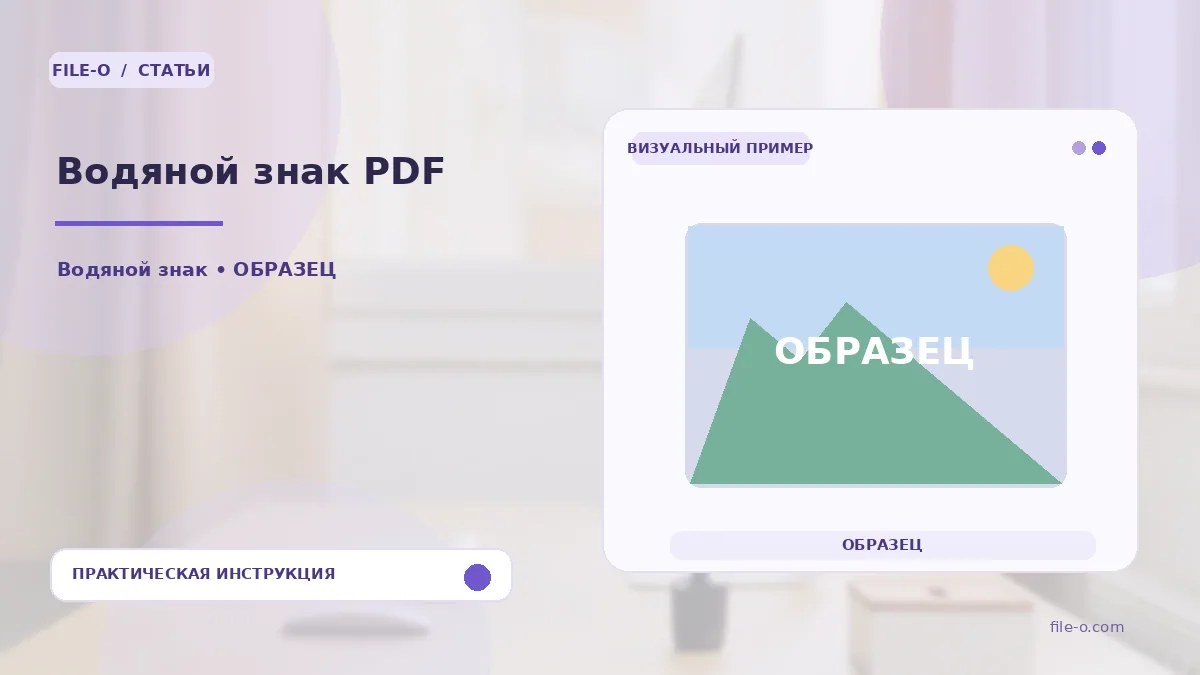
The tool overlays a semi-transparent text caption onto the pages of a PDF document, which can be customized by color, size, and position. You receive a new file with the watermark, while the source document remains unchanged. All processing is performed directly on the website, with no need to install software.
When this is useful
First case: before sending a draft commercial proposal to a client, you need to apply a large 'Draft' caption to all pages to prevent the document from being used as final. Second case: you need to mark an internal instruction with a 'Confidential' stamp before distributing it to employees to emphasize the information's status.
Step-by-step instructions
- Select a PDF document by clicking the upload area or dragging the file into it.
- In the settings panel that opens, enter the desired watermark text, such as 'Draft'.
- Configure the parameters: choose a color, set the font size, and specify the position on the page.
- Click the save result button and download the processed file.
How to verify the result
After downloading, open the resulting PDF and scroll through several pages to ensure the watermark is correctly displayed on all sheets. Check that the caption does not overlap critically important text or graphics and has the transparency level you set. If the result is unsatisfactory, repeat the process with different settings.
Important limitations
It is important to remember that the watermark is added as a new layer on top of the content and does not protect the document from copying or editing. The tool works only with text captions; adding images as a watermark is not supported. The quality of the final display may vary slightly depending on the structure of the source PDF.