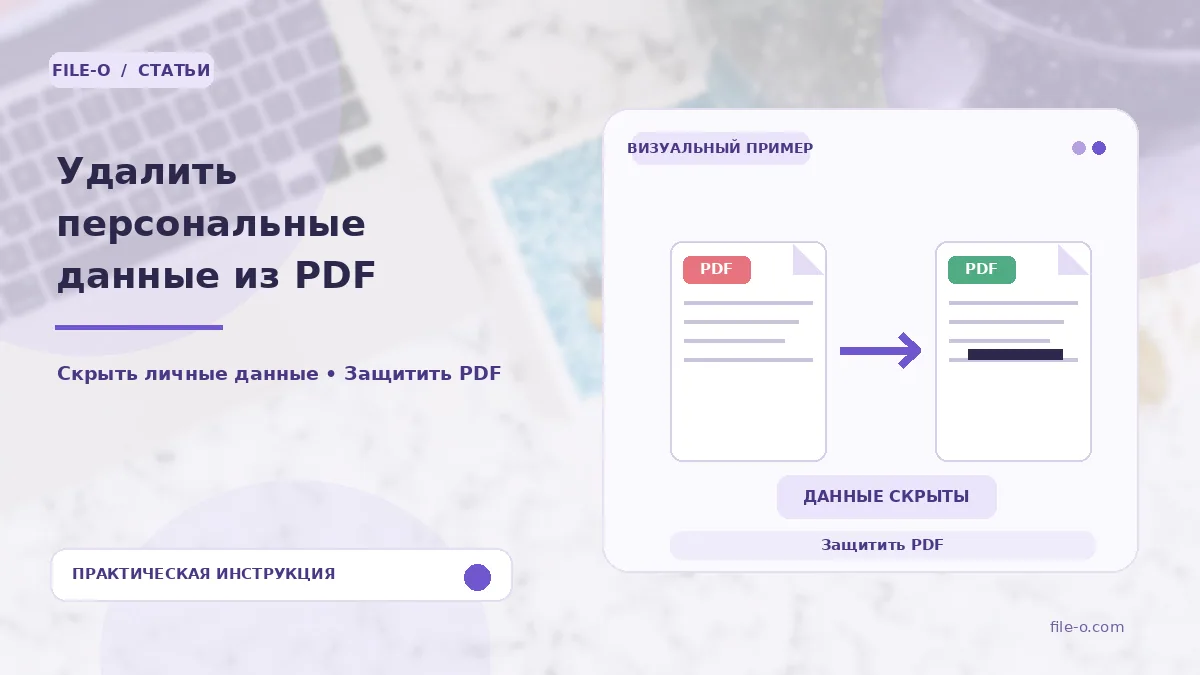
The tool finds and permanently removes personal data from the text layer of a PDF based on specified patterns. You can select categories to search for: passport numbers, SNILS, phone numbers, addresses, names, TIN, BIC, accounts, and amounts. After processing, you get a sanitized file ready for secure sharing.
When this is useful
Imagine you need to send a scanned contract with bank details and passport data to counterparties, but you want to hide this information. The tool will automatically find and remove the specified data types, saving you from manual redaction. Another case: before publishing a scanned application on a shared resource, you need to remove a phone number and SNILS to prevent the leakage of personal information.
Step-by-step instructions
- First, upload your PDF file using the form on the page.
- Then, check the boxes for the data types you want to find and remove, such as 'Passport Numbers' and 'Phone Numbers'.
- Click the 'Start Search' button and wait for the processing to complete.
- After that, download the final document, where the data matching the patterns will be irreversibly hidden.
How to verify the result
Be sure to open the resulting PDF and carefully review each page. Verify that the necessary data has indeed been removed and that similar but non-personal digit combinations were not affected. If you found no matches despite knowing the data is present, your PDF is likely a scan without a text layer, and manual processing will be required.
Important limitations
The search is strictly pattern-based, so it does not guarantee complete coverage and may mistakenly target similar character sequences. The tool works only with the textual content of a PDF; for scans without recognized text, a transition to the editor for manual area redaction is provided. Remember that data removal is irreversible, so keep the original file.